
Export events
Export your event log to CSV for offline analysis, reporting, or compliance, including only the events matching your applied filters.
Export your event log to CSV for offline analysis, reporting, or compliance documentation.
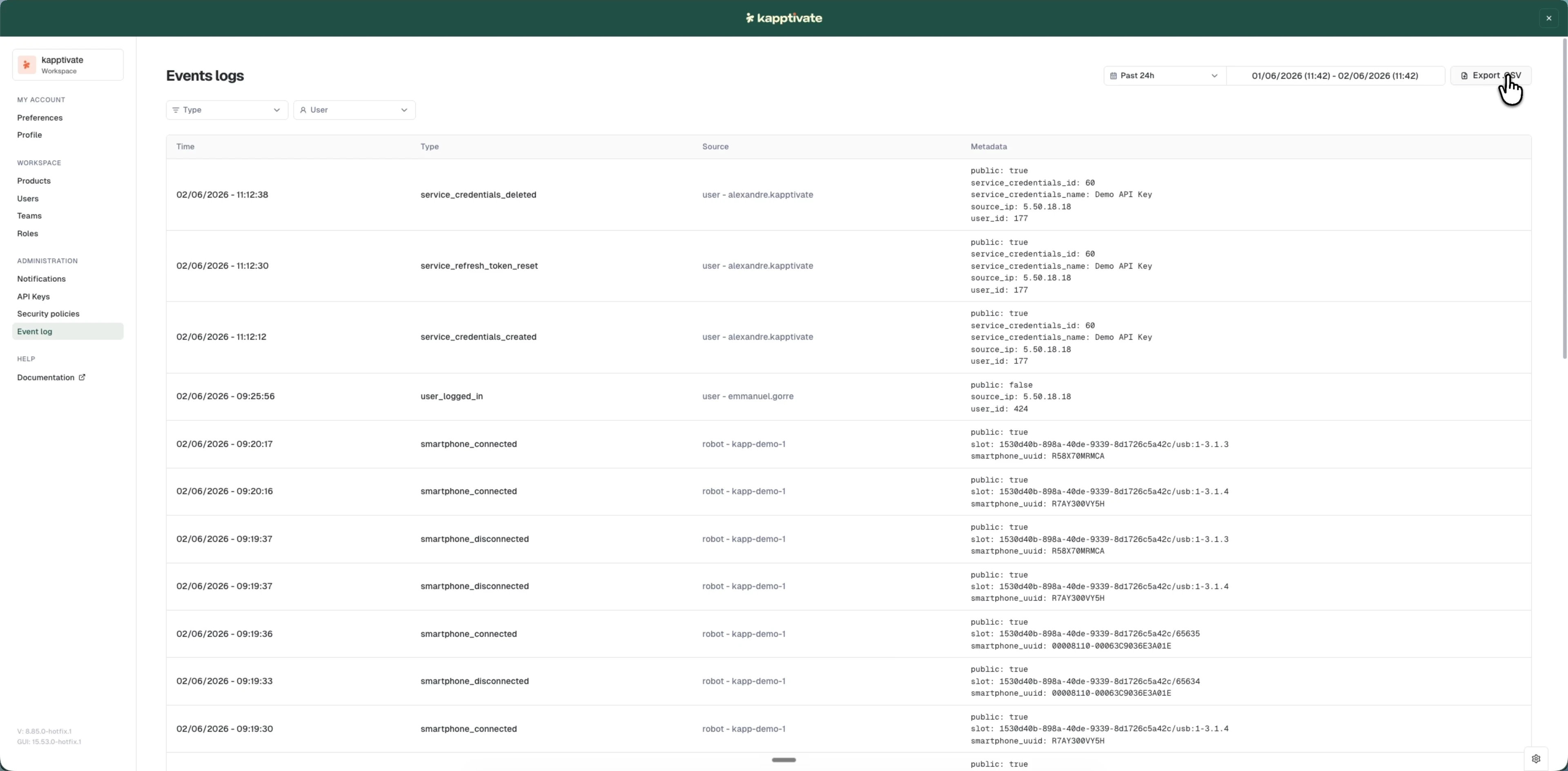
Download a CSV export
Click the Export CSV button (top right) to download filtered events as a CSV file. The export includes:
- All events matching your current filters (date range, type, user)
- All columns shown in the table
- Timestamps in your selected timezone
You can import the CSV into spreadsheet or business intelligence tools for further analysis.
Apply filters before exporting to limit the file to the events you need. An unfiltered export includes every event in your workspace.
Last updated on