
Create an API key
Learn how to create an API key in Kapptivate, scope it to specific teams, and securely store the generated token for authentication.
API keys authenticate external applications, such as CI/CD pipelines and third-party services, with your Kapptivate workspace. Each key is scoped to specific teams and generates a token you use for authentication.
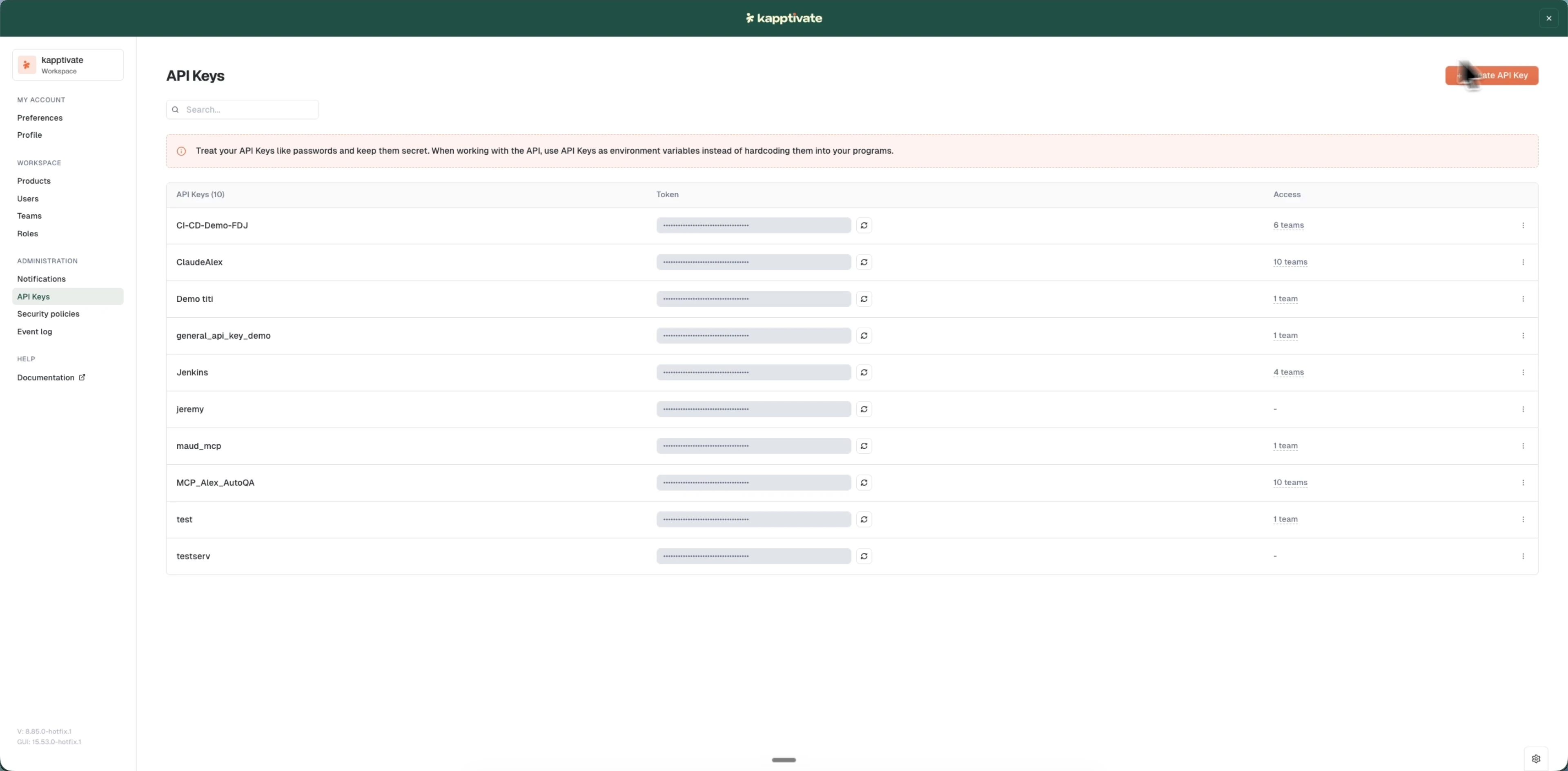
Create a key
- Go to Administration > API keys
- Click Create API Key (top right)
- Enter a Name. This helps you identify what the key is for
- Under Select teams allowed to use this key, choose the teams the key should have access to
- Click Create
After creation, a modal confirms "Your new token has been generated" and displays the token. Copy it immediately with the copy button. It's only visible this one time. If you lose it, you'll need to refresh the token to generate a new one.
Store the token securely
Store the token in your application or CI/CD environment as an environment variable or secret. Never commit API keys to version control.
The token is shown only once at creation time. If you close the modal without copying it, you must refresh the token to get a new one.
Last updated on