
API keys
Learn how API keys authenticate external apps with Kapptivate, letting admins create, scope, manage, and revoke tokens for teams.
API keys authenticate external applications and integrations, such as CI/CD pipelines and third-party services, with your Kapptivate workspace. Each key is scoped to specific teams and generates a token for authentication.
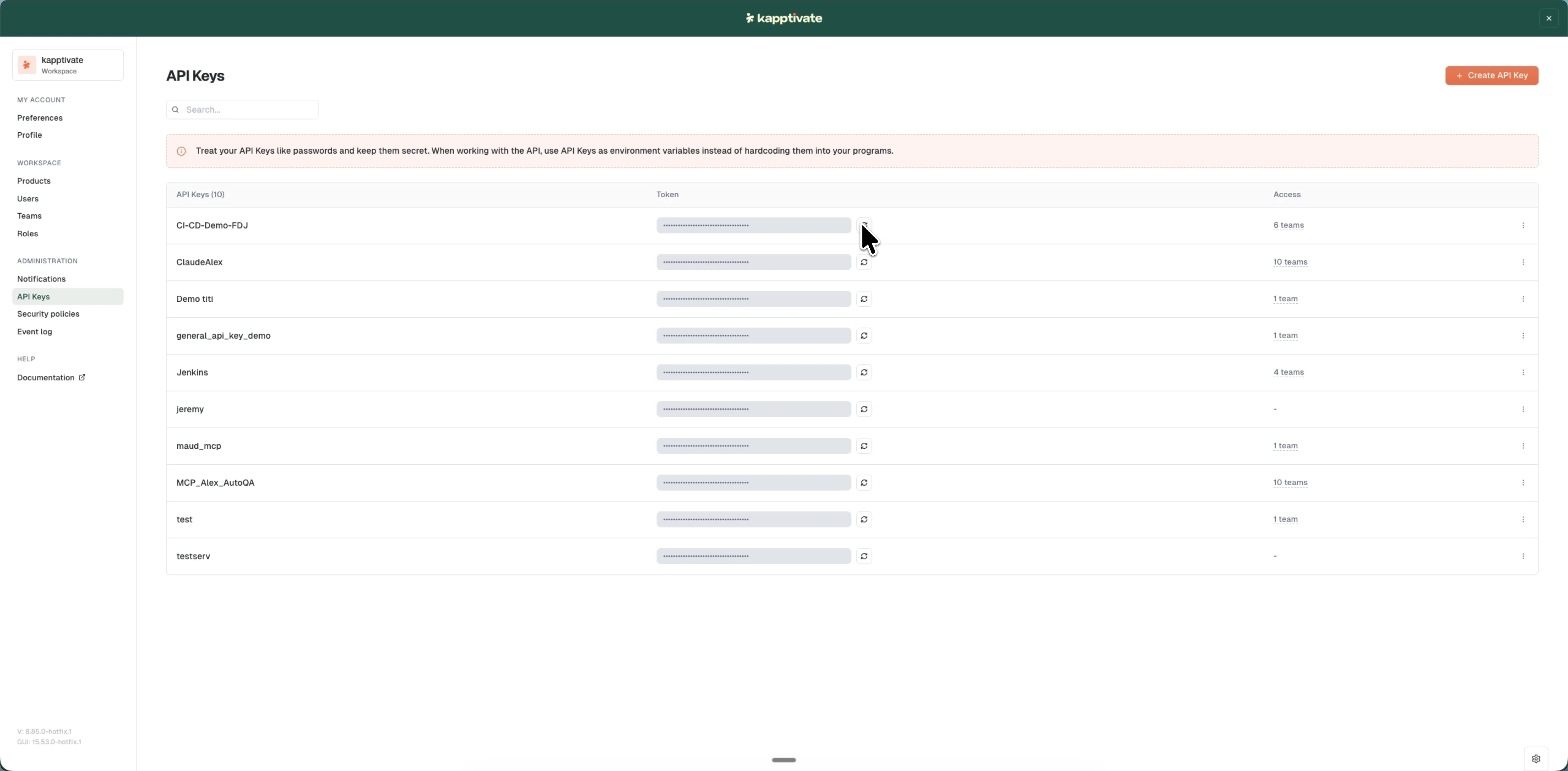
Only workspace administrators can create, edit, and revoke API keys.
Treat API keys like passwords and keep them secret. Use them as environment variables instead of hardcoding them into your programs.
What you can do
- Create an API key: generate a new key, assign it to teams, and copy the authentication token.
- View and manage API keys: search, edit, refresh tokens, and revoke keys across your workspace.
For managing the users and teams that API keys are scoped to, see users and teams. To enforce authentication rules for your workspace, see security policies.
Use your key
An API key is the credential for everything that talks to Kapptivate from outside the app:
Last updated on