
Security policies
Configure security policies to set password rules, two-factor authentication, and login requirements across your workspace and teams.
Security policies define password requirements, two-factor authentication, and login rules for your workspace. Use them to enforce consistent security standards across teams and assign different policies to different groups of users.
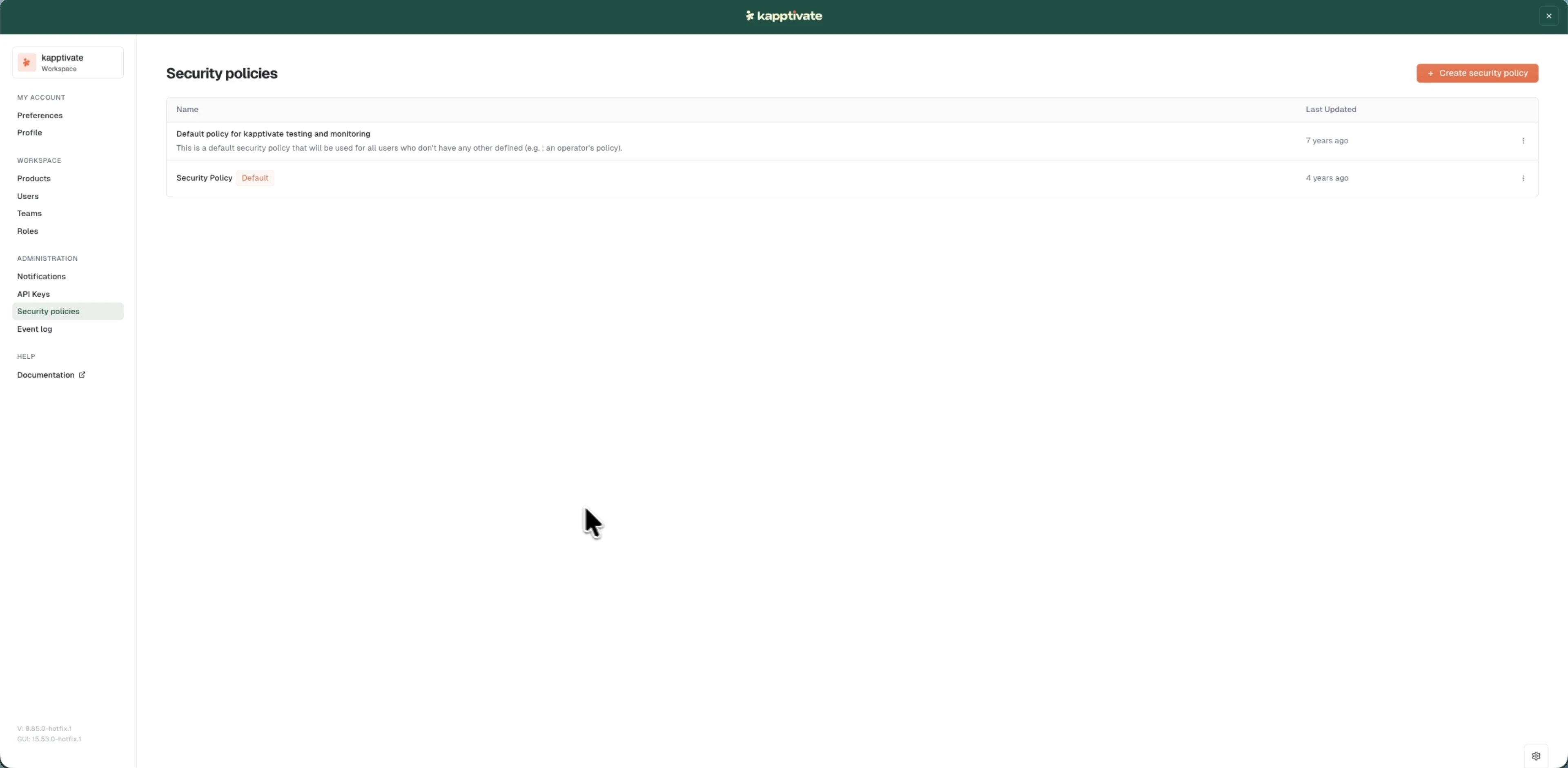
Only workspace administrators can create and edit custom security policies.
What you can do
- View and create policies: browse existing policies and create custom ones for your workspace.
- Configure password rules: set password requirements, history tracking, and expiration rules.
- Configure authentication: require two-factor authentication and define login policies.
- Manage policies: assign users to policies, clone policies, and set a workspace default.
Users inherit their security policy at the workspace level. To manage user accounts and their policy assignments, see users. To audit changes to policies and other workspace events, see the event log.
Last updated on