
Manage workspace users
Manage workspace users by creating accounts, assigning teams and roles, controlling product access, and applying security policies as an administrator.
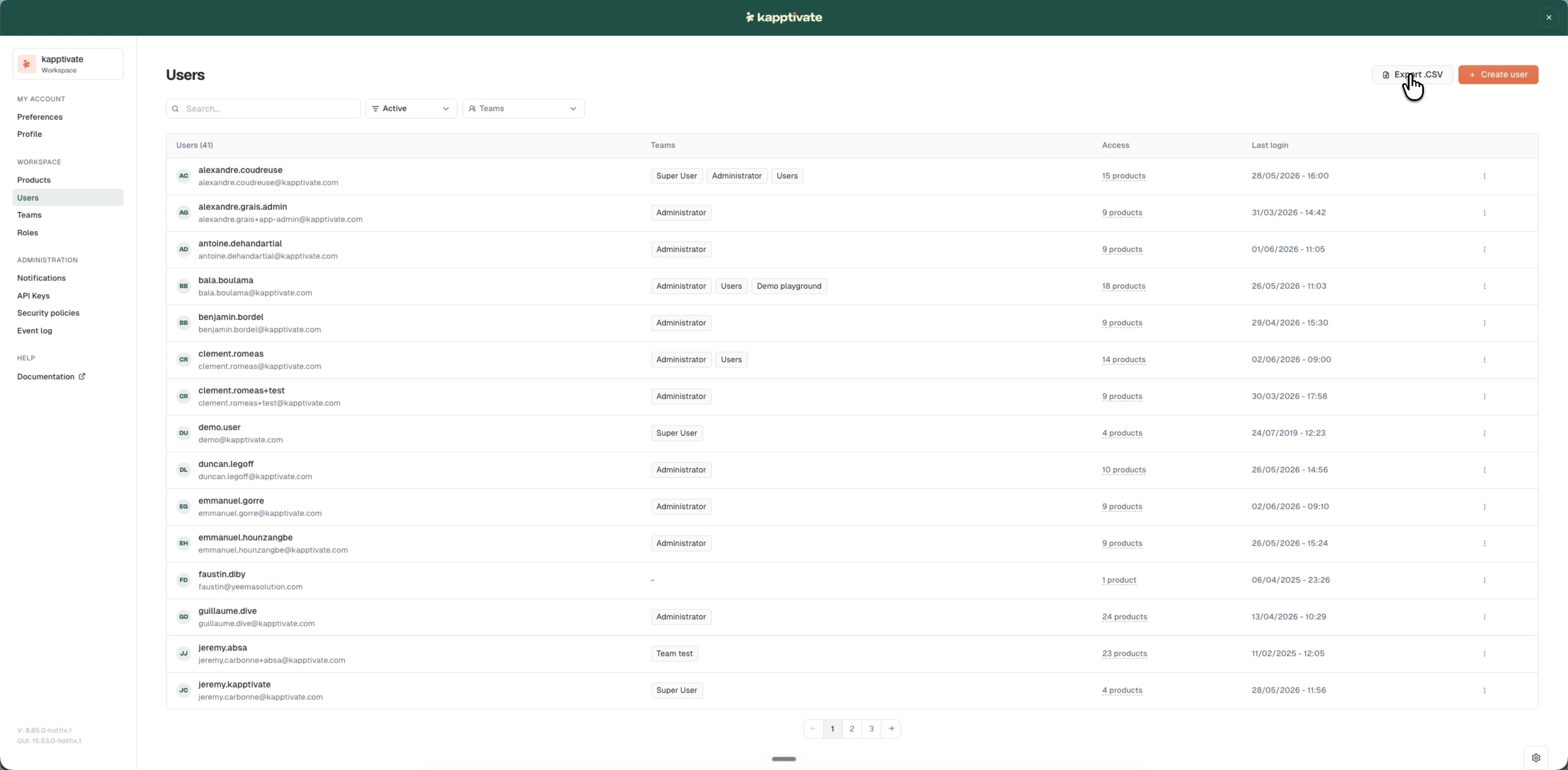
Users are workspace members who access tests, monitoring, and administration features. You control who can access your workspace by creating user accounts, assigning them to teams, and setting their roles and security policies.
Managing users, teams, products, and security policies requires administrator rights.
What you can do
- Create a user: add new members to your workspace with a profile, team assignments, and optional product access.
- Edit a user: update any user's profile, teams, product access, roles, or security policy.
- Manage access: assign users to teams, grant direct product roles, and apply security policies to control what each user can reach.
- Search and manage: find users with filters and search, deactivate or reactivate accounts, and export user data to CSV.
Users inherit product access from their teams, so team membership is the most efficient way to manage access at scale. For finer control, assign roles directly to individual users on specific products.
Last updated on