
Create a team
Create a team in Administration, add members, assign products, and set roles so everyone shares the same access.
When you create a team, you add members, assign products, and set roles that everyone in the team will have.
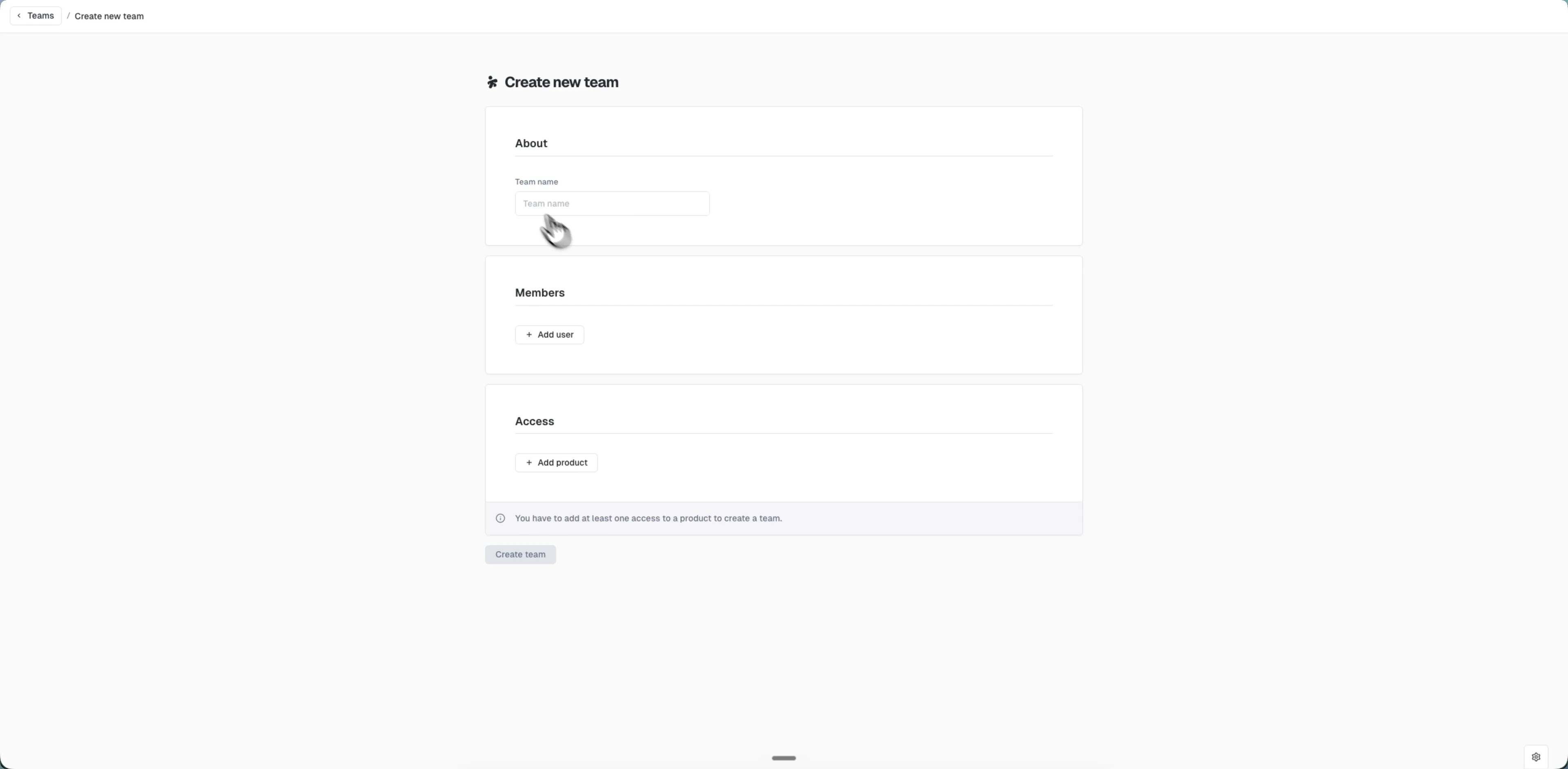
Create a team
- Go to Administration > Teams
- Click "+ Create team"
- In the About section, enter a team name
- In the Members section:
- Click "+ Add user" to open the "Add users to this team" picker
- Search by name or email, tick the users you want (or use "Select all"), and click "Add (X)"
- In the Access section:
- Click "+ Add product" and pick one or more products from the modal
- Use "Select role(s)" to choose the roles members get on those products
- Click "Create team"
A team needs at least one product before you can create it. All members you add inherit the roles and products you assign to the team.
Last updated on