
Teams: grant products and roles at once
Manage teams to assign products and roles at once, so every member automatically inherits the same permissions and access.
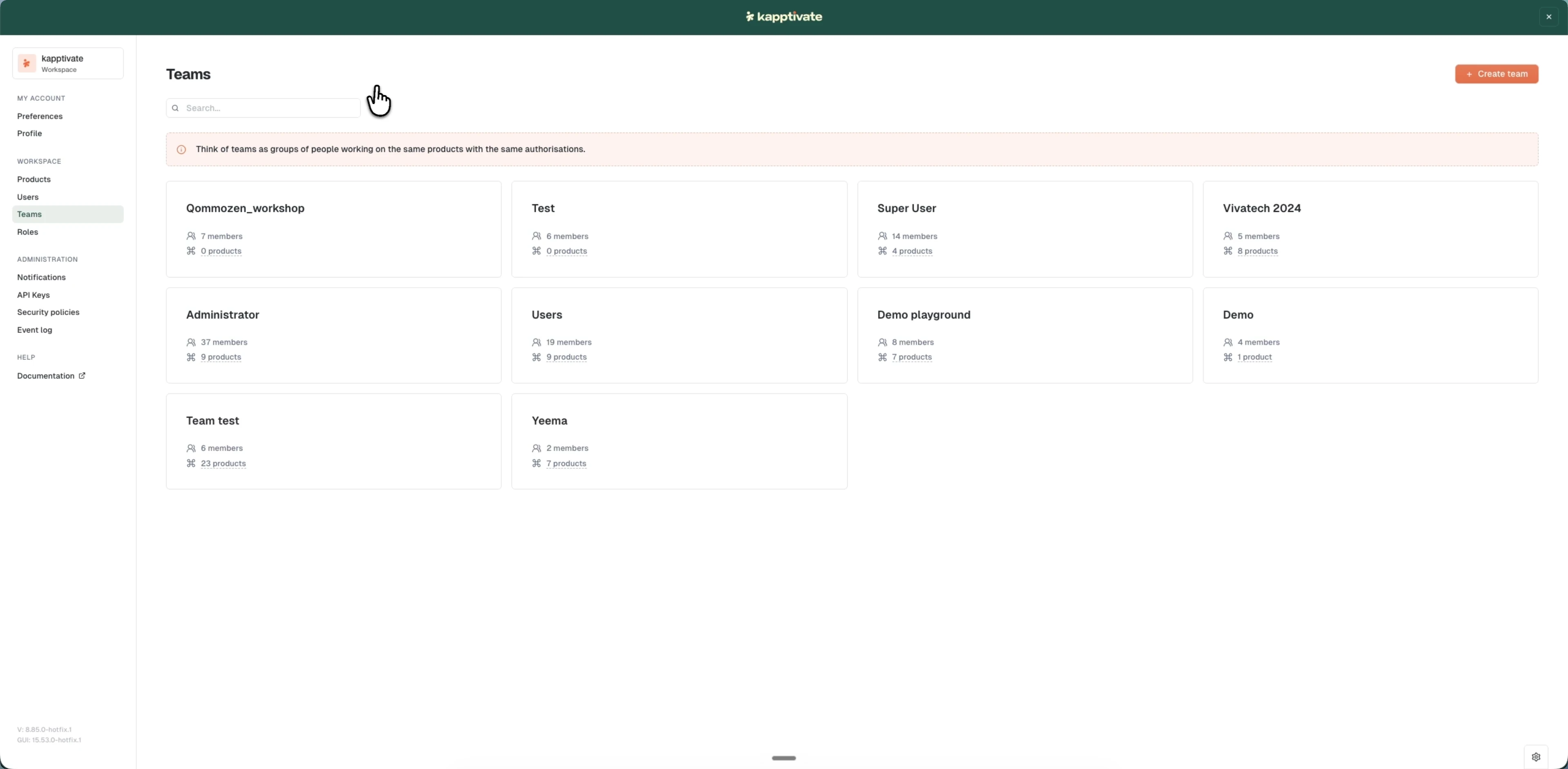
Teams group users together and assign products and roles that all team members automatically inherit. Instead of managing access for each user individually, you set it once at the team level and every member gets the same permissions.
What you can do
- Create a team: set up a new team with members, products, and roles in one step.
- Edit a team: update team details, add or remove members, or change access assignments.
- Members and access: add members and assign products and roles so everyone inherits the right permissions.
- Search and manage: find teams, view details, duplicate existing teams, or delete teams you no longer need.
Teams work together with Roles and Products to form your access management structure. Define what permissions exist in Roles, define what resources exist in Products, and use Teams to tie them together for groups of users.
Last updated on