
Edit a team
Learn how to edit a team's name, members, and access in Administration > Teams, with changes taking effect immediately.
You can update team details, add or remove members, or change product and role assignments at any time.
Edit a team
- Go to Administration > Teams
- Click the team card to open its edit page
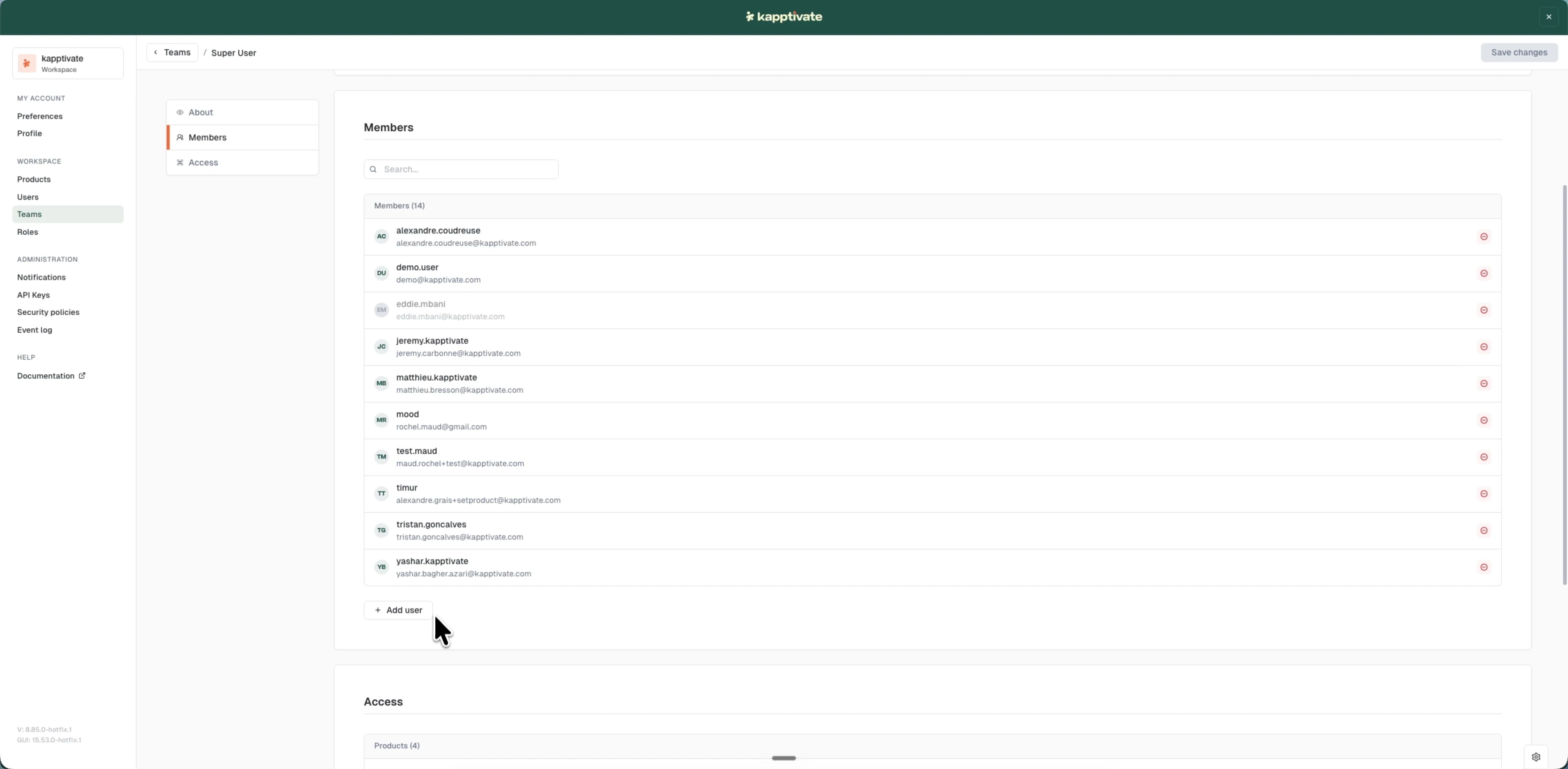
- Make your changes, using the anchor menu to jump between sections:
- About: update the team name, or delete the team with the "Delete team" button
- Members: add or remove team members
- Access: change assigned products or roles
- Click "Save changes" (top right)
Changes take effect immediately. Members instantly inherit any new products or roles you assign.
Last updated on