
Manage your profile
Manage your profile settings, including name, username, team access, product access, security policy, and personal access token.
Your profile is your identity in the workspace: your name, username, and email, plus what you belong to (teams), what you can reach (products), and the credentials tied to your account. Everything lives on one page, and the anchor menu on the left jumps between sections.
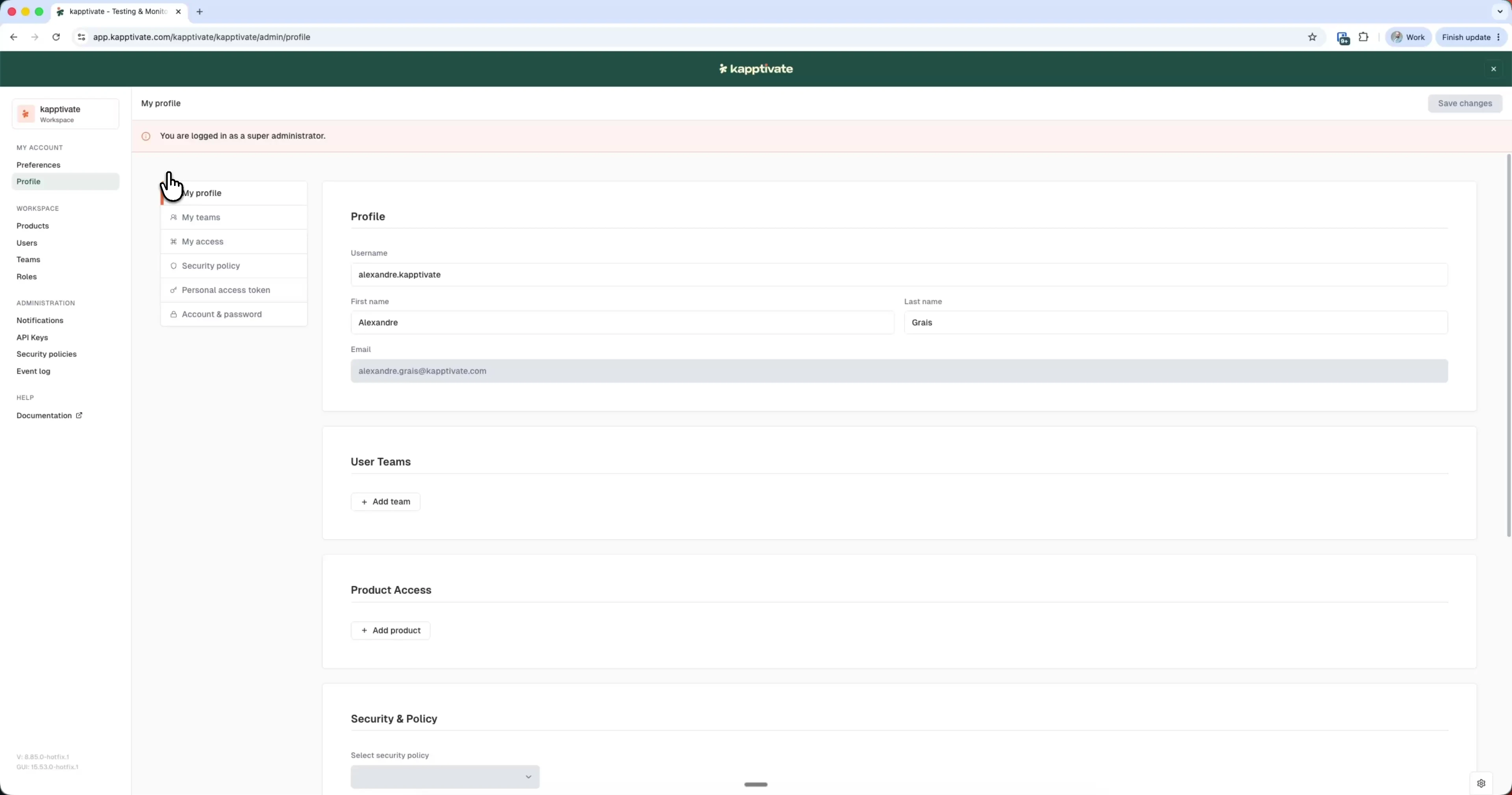
To update your identity:
- Click your workspace name at the top of the sidebar and select Settings
- Open Profile under My account
- Edit your first name, last name, or username (your email is read-only)
- Click Save changes (top right)
Your username must be unique. The system checks availability as you type, pausing briefly before validating to avoid redundant checks.
Teams and product access
Two sections show what you have access to and let you extend it:
- User Teams: the teams you belong to. Click + Add team to join one.
- Product Access: the products you can work on. Click + Add product to add another.
Security policy
The Security & Policy section shows the security policy applied to your account, with a dropdown to select one. The workspace default applies unless another policy is selected.
Personal access token
The Personal access token section holds a credential tied to your account that authenticates external tools like the Kapptivate CLI and the MCP server. Treat it like a password.
To use it, click the eye icon to reveal the token and the copy icon to copy it into the tool you're configuring. The token is regenerated when you log out, so you'll need to copy it again after your next login.
Last updated on