
Manage products in a workspace
Manage products in your workspace by creating, editing, assigning teams, adding devices, and configuring monitoring settings.
A product is an app, website, or service you test within your workspace. It acts as the top-level container that groups together your tests, devices, teams, and monitoring configuration.
What you can do
- Create a product: pick an icon, a name, and optionally assign teams and devices right away.
- Edit a product: update details, manage team access, or change device assignments after creation.
- Assign teams: grant all members of a team access to the product in one step.
- Add devices: link smartphones, SIM cards, and web agents so they can run tests on this product.
- Configure monitoring: enable device health tracking and choose an aggregation interval.
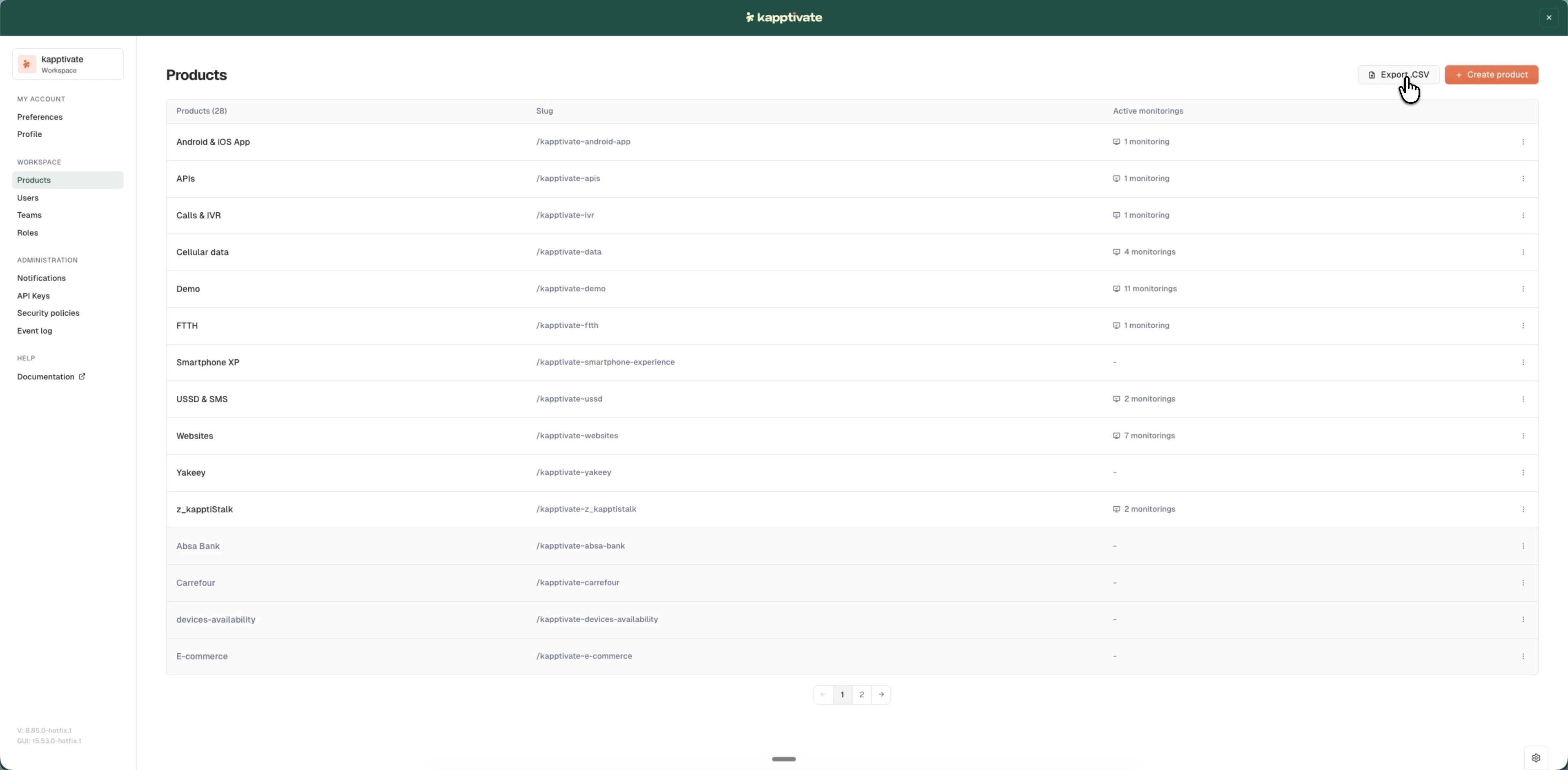
- View and filter: browse, sort, and export your products list.
Products sit at the center of your workspace. Teams give users access to a product, devices run tests against it, and monitors track its availability over time.
Last updated on