
Create a product
Create a product by choosing an icon, color, and name, then assign teams and devices to start testing right away.
Products serve as the top-level container for all testing and monitoring activity. When you create a product, you can assign teams and devices right away.
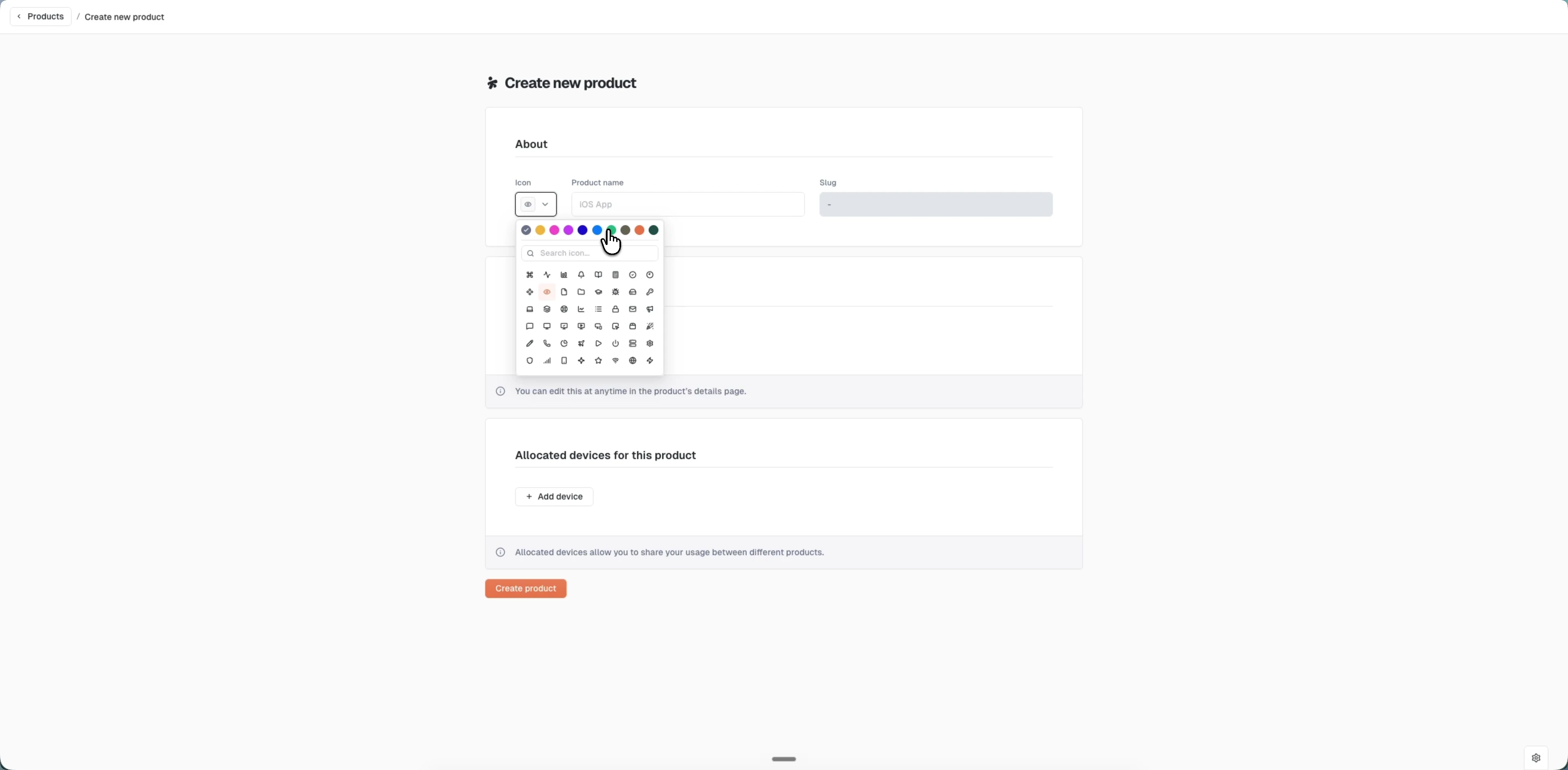
Create a product
- From the workspace navigation, go to Administration > Products
- Click "Create product"
- In the About panel:
- Select an icon from the predefined set (50+ icons available)
- Choose an icon color from the palette
- Enter a product name
- The slug is auto-generated from your product name in kebab-case and cannot be changed
- Optionally add teams and devices now (you can also add them later when editing)
- Click "Create"
Your new product appears immediately in the products list and is ready for testing.
Last updated on