
Configure monitoring
Enable device monitoring for your product and set the default aggregation interval to control how often performance metrics are collected.
Device monitoring captures system health and performance metrics for devices assigned to your product. You can enable or disable monitoring and set how frequently data is aggregated.
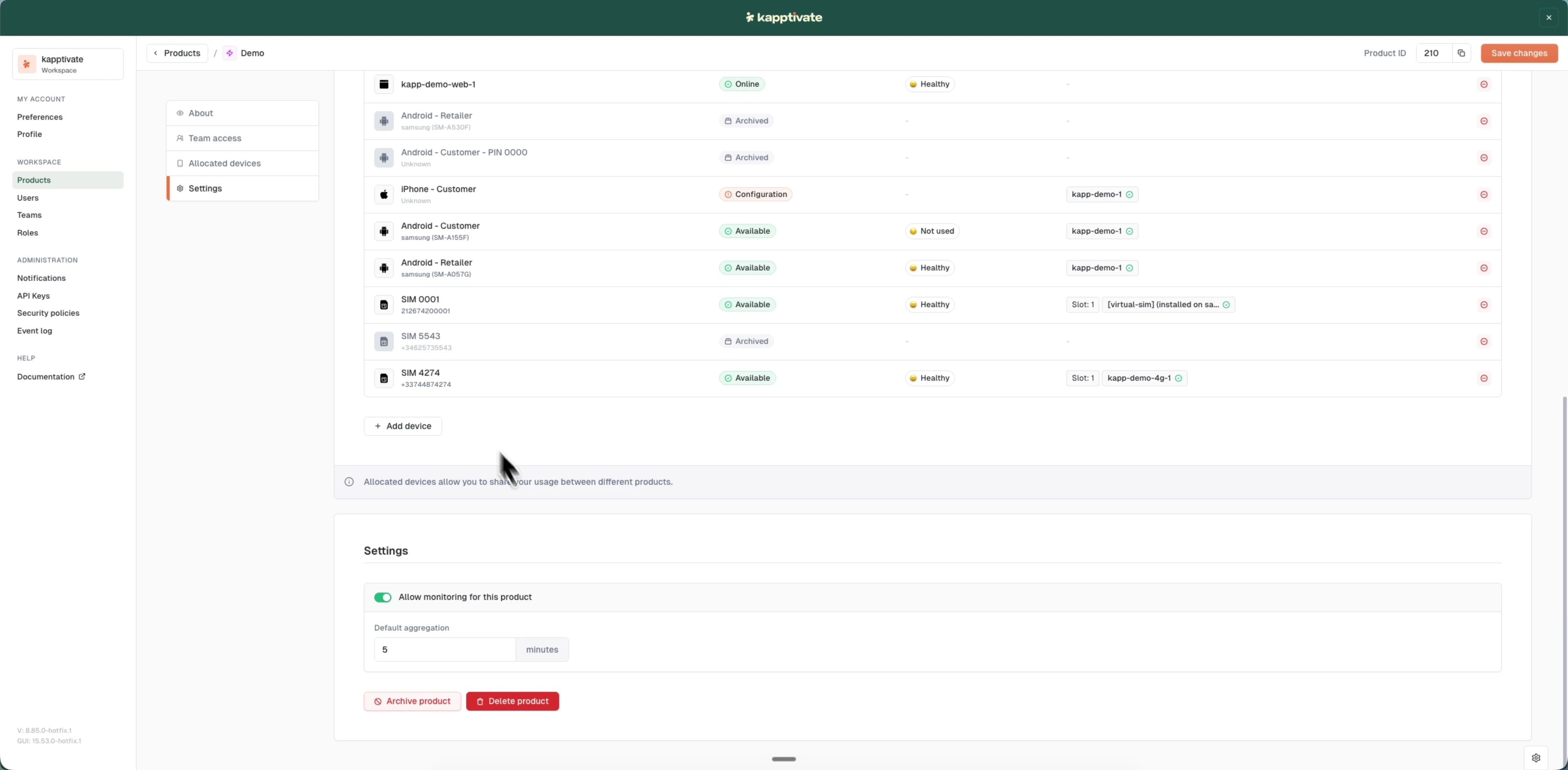
Configure product monitoring
- Open the product for editing
- Scroll to Settings (visible only when editing an existing product)
- Toggle "Allow monitoring for this product" on or off
- Set the Default aggregation interval in minutes (e.g., 5, 15, or 30)
- Click "Save changes"
The aggregation interval determines how often monitoring data is rolled up. Smaller intervals provide more frequent updates but may require more computational resources.
Last updated on