
View and filter
View and filter your workspace's product list, showing names, slugs, and active monitorings, plus export options and access to archived products.
The products list shows all active products in your workspace. Archived products appear at the end of the list but are still accessible.
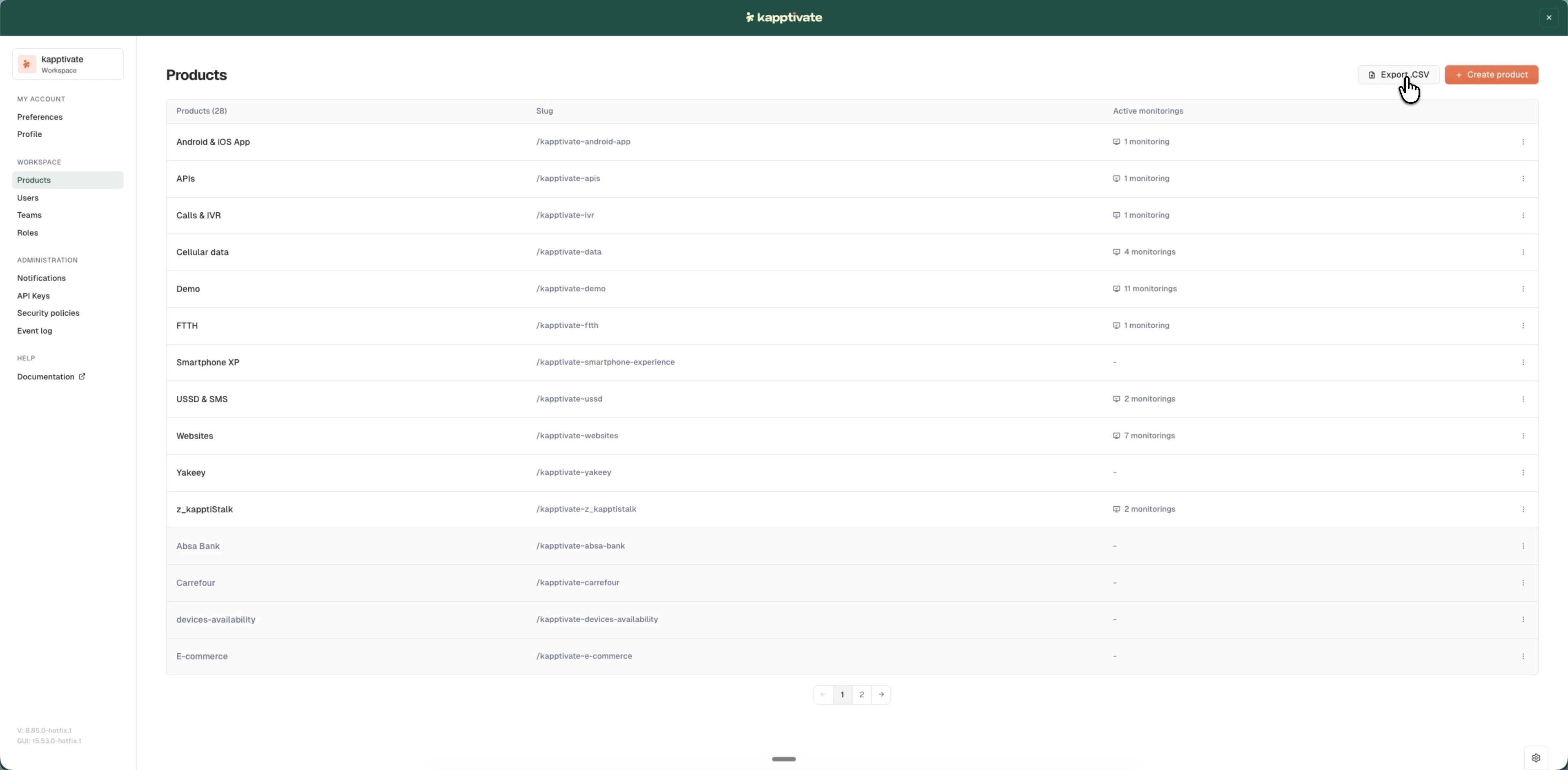
Products list
The list displays:
- Product name: the products in your workspace, with the total count in the header
- Slug: the read-only URL-friendly identifier
- Active monitorings: how many monitorings run on the product (or
-if none)
Click a row to open the product's edit page. Archived products appear grayed at the end of the list but are still accessible. Click Export .CSV to download the full product list as a CSV file.
Last updated on